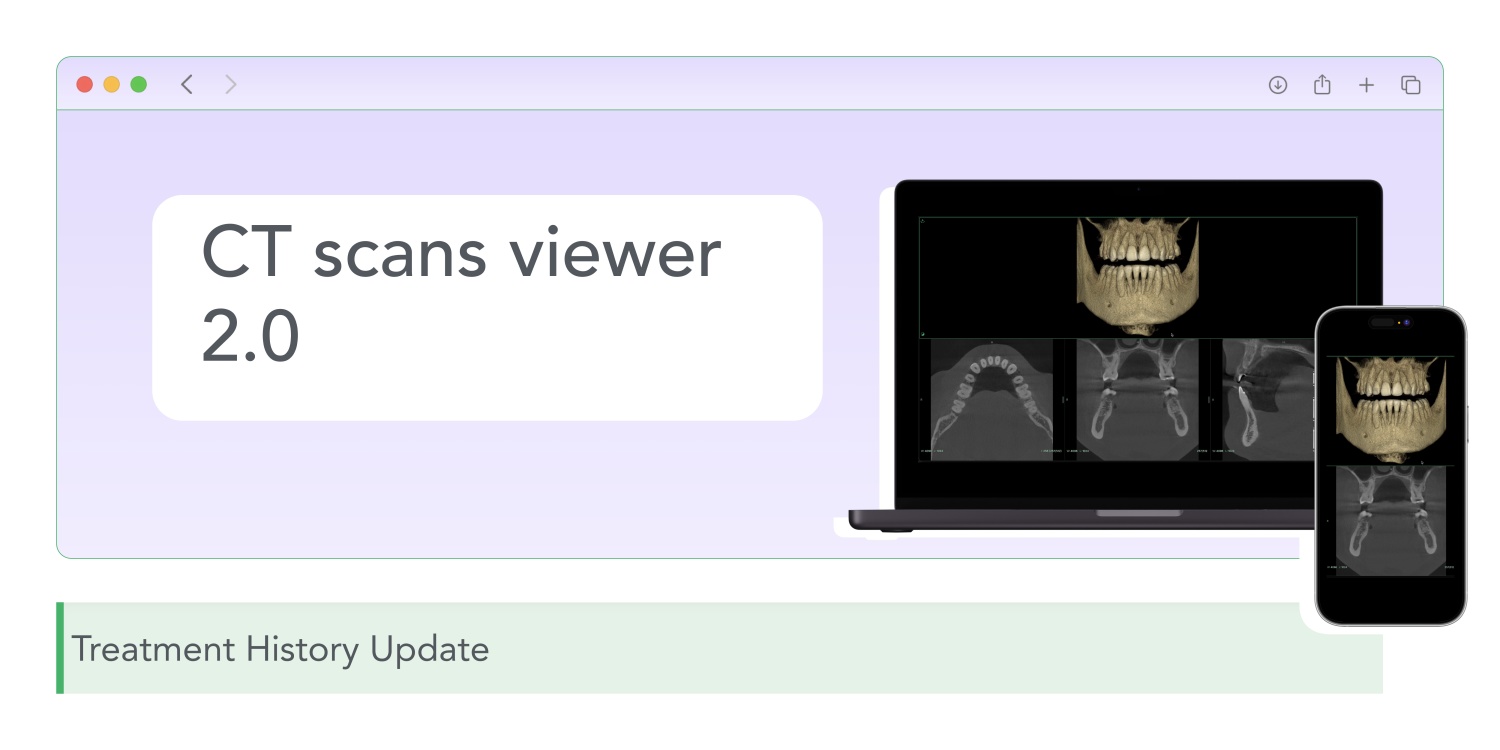
We recently added the ability to upload and view CT scans directly in Cliniccards. This has already simplified the work of many clinics – there is no need to switch between programs, as all information is stored in a single space, along with the patient's treatment history.
But we didn't stop there. Now CT viewing works even better – faster, with more formats, and optimized for any device. Here's what's changed.
Support for more formats
Previously, the system worked with the main CT formats. Now we've expanded that list – you can upload and view even more file types.
Optimized viewing
CT files are often large, weighing in at several hundred megabytes or more. This creates a problem: they take a long time to download, slow down weak computers, and may not even open on a phone.
Now the system additionally creates an optimized version of the file – reduced in size, but without loss of quality for diagnostics. This means:
At the same time, the original file is always stored in the system in full size – if necessary, it can be downloaded separately.
Why is this important
CT scans are now integrated into the workflow: open the patient's card, and the tomogram is always there, quick to load and easy to view. On a computer, tablet, or phone. No extra software, no delays, no slowdowns.
This is how a modern clinic management system should work – everything in one place, fast and without compromise.